⏰ Support Available: Mon-Fri 4:00pm-6:00am | Weekends 24/7

Microsoft 365 Tenant-to-Tenant Migration
Mergers, acquisitions, rebrands, entity restructures and platform exits. Office 365 and Microsoft 365 migration planned and run by one specialist, not handed between a team.
Migrating between Microsoft 365 tenants is one of the most complex and high-risk projects in the M365 ecosystem. When done well, most people notice one quiet morning and nothing else. When done poorly, it means lost email, broken access, disrupted Teams and SharePoint environments, and weeks of cleanup. Hamilton365 scopes, plans and executes tenant-to-tenant migrations for Brisbane organisations, backed by 25+ years in Exchange Online, Entra ID and Identity infrastructure at 200,000-user scale.
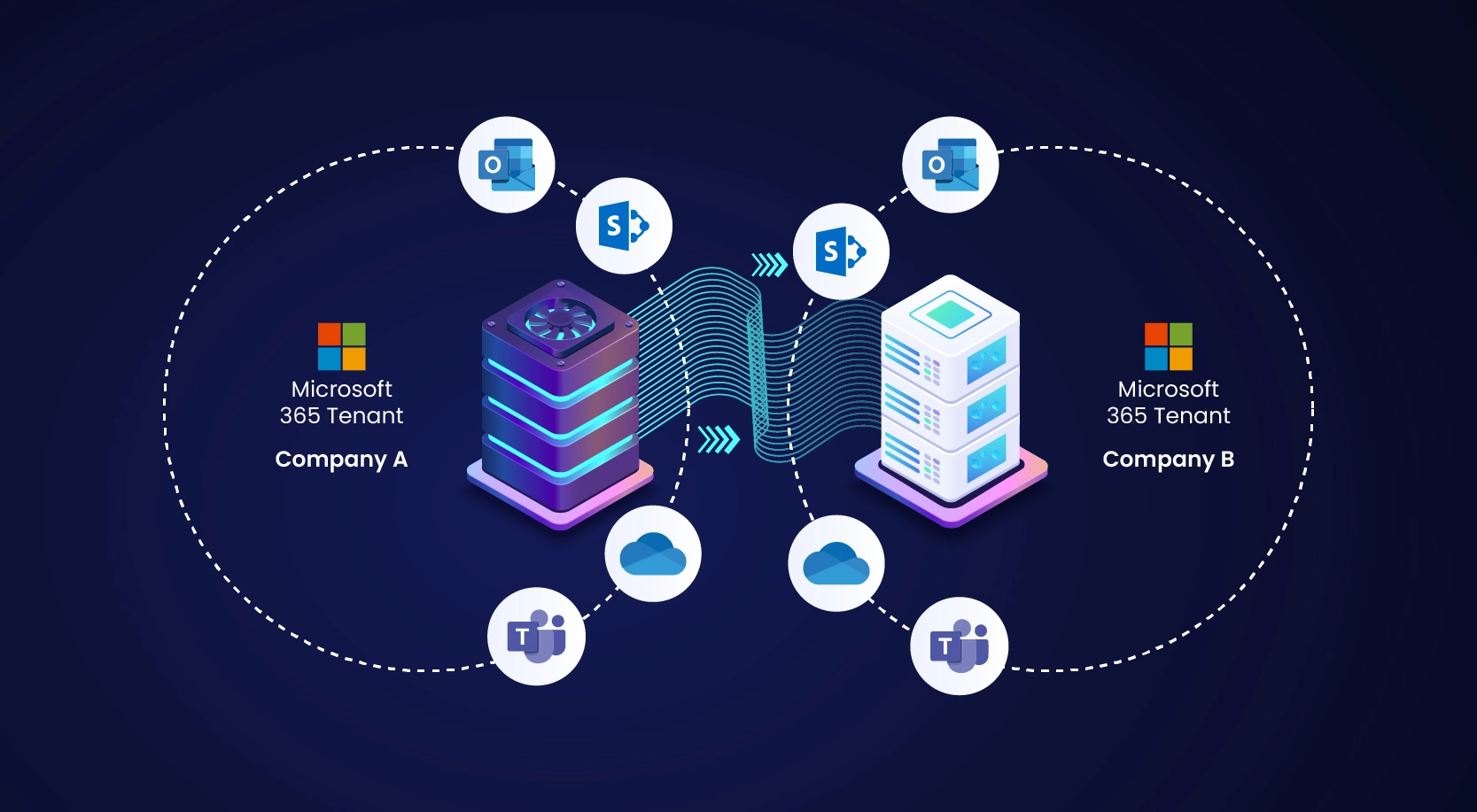
Cutover planning, rollback readiness, and production stability matter more here than almost anywhere else in M365.
When do you need an Office 365 tenant migration?
Business mergers and acquisitions
When two organisations merge, two separate Microsoft 365 tenants need to become one. Users, mailboxes, Teams, SharePoint sites, licences, and Identity configurations all need to be consolidated without disrupting day-to-day operations.
Business splits and demergers
When a business unit, subsidiary, or department separates from a parent organisation, it needs its own independent M365 tenant - with its data, users, and configurations cleanly separated from the original.
Acquisitions where the surviving platform is not Microsoft
Sometimes the business acquiring you runs Google Workspace, and your Microsoft 365 tenant is being closed rather than merged. The destination is somebody else's job. Getting your data, your compliance obligations and your domain out cleanly before the subscription lapses is not, and it has a deadline you do not control.
Rebrands and domain changes
When an organisation changes its name and primary domain, a tenant migration is often the cleanest path to a consistent new Identity across all M365 services.
Education and not-for-profit restructures
Schools, dioceses, associations, and NFPs frequently restructure in ways that require M365 environments to be split, merged, or reorganised - often with strict data governance requirements.
MSP or IT provider transitions
Organisations moving between managed service providers sometimes need to migrate from a provider-managed tenant to their own independently owned tenant.
Provider-locked tenants
Some organisations discover their Microsoft 365 tenant was created and is still controlled by a previous IT provider. Hamilton365 can help scope and execute a migration path so the organisation regains proper ownership and control of its own tenant.
What makes tenant-to-tenant migrations complex
Identity and authentication
User identities, MFA registrations, and Conditional Access assignments do not transfer automatically. Accounts and access transitions must be planned so users do not lose access during cutover.
Email coexistence and cutover
Both tenants may be active simultaneously. Mail flow and user communications must be tightly controlled to prevent message loss and confusion.
SharePoint and OneDrive data
Files, sites, libraries, metadata, and permissions need to be migrated accurately, which is often the most time-consuming part of a migration.
Microsoft Teams
Teams channels, files, and configurations typically require specialist tooling. Native migration options are limited for some workloads.
Licensing
Target-tenant licensing needs to be audited and prepared before cutover to avoid access disruptions and unnecessary delays.
DNS and domain cutover
Custom domain transfer between tenants requires precise timing and rollback readiness to protect mail flow continuity.
Leaving Microsoft 365 entirely
Not every migration ends in another Microsoft tenant. When a business is acquired by one running Google Workspace, or a division is sold to a buyer with its own platform, the Microsoft environment is being decommissioned rather than moved.
The acquiring side will build the destination and will do it competently. What they will not do is work out what is sitting in your Purview holds, which applications authenticate against your Entra tenant, or where your BitLocker recovery keys are escrowed. That work is on the Microsoft side, it is time-limited, and most of it cannot be undone once the subscription ends.
Legal holds and retention, first
Litigation holds, Purview retention policies, eDiscovery case data and audit history live in the tenant and end with it. Nothing transfers to the destination platform, and no destination platform can reconstruct it. If the business has ever had a dispute, a claim or an employment matter, this is the first task rather than the last.
Mailbox and file extraction
Mailboxes, OneDrive and SharePoint content exported to portable formats that are still readable in five years, with the export verified rather than assumed. Where the material may be needed evidentially, exported with chain of custody intact.
The application inventory
Enterprise Applications in Entra will tell you what your staff actually sign into with their work accounts, including the systems nobody remembers connecting. That list has to be pulled while the tenant still exists, and every entry re-pointed or re-credentialed before it closes.
Device and key escrow
BitLocker recovery keys held in Entra, Intune compliance state, Autopilot registrations and Windows Hello enrolments. If the Identity is leaving Microsoft, the devices need a plan of their own, and the keys need exporting before the tenant is gone.
Clean domain removal
Domains have to be released from the Microsoft tenant properly, not left behind when a subscription is cancelled. A domain that is half-removed will not verify on the destination platform and causes mail routing faults months later that nobody connects back to the migration.
Licence wind-down
What can be cancelled, what has to stay until the fleet is rebuilt, and what should drop to a single low-tier account holding a searchable archive. Usually the answer is not "cancel everything on day one", and the difference is measured in months of avoided problems.
Moving to Google Workspace specifically? What doesn’t come across, in detail
The Hamilton365 migration process
Phase 1
Discovery and scoping: assessment of users, mailboxes, SharePoint volumes, Teams, integrations, and migration risks.
Phase 2
Planning and tooling: migration runbook, communication plan, rollback procedures, and tooling selection.
Phase 3
Pilot migration: small controlled pilot to validate process and refine execution.
Phase 4
Staged migration: phased user/data migration in batches to minimise risk.
Phase 5
DNS cutover and finalisation: domain transfer, validation, and source tenant decommission planning.
Phase 6
Post-migration support: hypercare monitoring, issue resolution, and production stability checks.
Why choose Hamilton365
Identity is where these go wrong
Almost every failed tenant migration fails on Identity rather than on data. Accounts, MFA registrations and Conditional Access are the first thing scoped here, not the last.
Senior specialist, not a helpdesk
You work directly with an experienced M365 specialist throughout the engagement.
After-hours execution
Cutovers can be scheduled evenings and weekends to reduce disruption to business operations.
Transparent scoping
Every migration is quoted after discovery so risks and effort are clear before delivery starts.
Education and enterprise background
Hamilton365's principal specialist has managed Identity and messaging infrastructure for 200,000+ users across Queensland's education sector. The scale and complexity of enterprise migrations is familiar territory.
Frequently asked questions
How long does a tenant-to-tenant migration take?
Timeframe depends on user count, data volume, and workload complexity. Smaller environments can be completed in days, while larger organisations often require several weeks of staged execution.
Will users lose access to email during migration?
With proper planning, disruption is usually limited to a short cutover window during DNS transition. Pilot testing and rollback planning are critical to keeping impact low.
Can you migrate Teams chat history?
Microsoft has limited native paths for some Teams data. Channel content and files can be migrated with specialist tooling, while personal chat history remains constrained and is discussed during scoping.
Do you work outside Brisbane?
Yes. While based in Brisbane, tenant-to-tenant migrations are primarily remote engagements and can be delivered across Australia.
What does it cost?
Tenant-to-tenant migrations are project-quoted after discovery. Pricing reflects user counts, data scope, complexity, and timeline requirements.
How do you handle data sovereignty and privacy during migration?
Data sovereignty, privacy, and access control requirements are addressed during discovery and tooling selection. Hamilton365 scopes where data is processed, what permissions are required during transit, and how access is restricted so migration planning aligns with your regulatory and organisational obligations.
We are being acquired by a business that uses Google Workspace. Can you help?
Yes, on the Microsoft side. Data extraction, compliance and legal hold exports, the application inventory, device and key escrow, domain release and tenant decommissioning. The Google build is normally handled by the acquiring business's own provider, and the two pieces of work run alongside each other.
What happens to our compliance data if the tenant is closed?
It ends with the tenant. Retention policies, litigation holds, eDiscovery cases and audit logs are all tenant-resident and none of it transfers to another platform or can be recovered afterwards. Exporting it is the first item in any decommissioning plan, not the last.
How long should we keep the old tenant running?
Sixty to ninety days after the last person has stopped working in it, as a minimum. The licence cost over that period is trivial next to the cost of finding something was missed after it is gone.
Ready to discuss your migration?
Talk through your tenant split, merger, or restructure and get clear next steps.
hamilton365.com.au